
Hours, not days. Fuel, not estimates.
Per-machine usage and fuel monitoring for scissor lifts, boom lifts, and telehandlers. Power-on hours, engine hours, and boom-active hours all separately tracked - billable hours match the customer's experience, maintenance triggers on actual use.
"Working hours" and "ignition-on hours" are different things - and the difference is your margin.
Rental MEWPs come back with mechanical hour meters that don't quite match what the customer was billed. Fuel comes back lower than logged. Maintenance gets scheduled by calendar - over-servicing the low-use machines and under-servicing the high-use ones. Factory hour meters can be tampered with, drift over time, and don't distinguish "operator sat in the basket" from "the boom actually moved." Disputes eat the margin.
What we add
A Power Timer module logs ignition-on time to the second - tamper-evident, electronic, no moving parts. A DUT-E sensor tracks fuel level in the small MEWP tank. CAN reading on modern boom lifts captures actual boom and platform activity. Power-on, engine-on, and boom-active are all separately rolled up per machine and per rental period. Maintenance triggers on real use, not calendar dates.
Per-machine hours, broken into power-on, engine-on, and boom-active — the gap is the margin story.
Stacked hours per machine across the week reveal the three time categories side by side. The visible gap between "powered on" and "boom active" is the unbilled or unproductive time you couldn't see before — and the conversation that fixes it.
- Boom-active hours — the machine is doing actual work. The hours your customer expects to be billed for.
- Engine-on hours — engine running but boom idle. Includes warm-ups, breaks, repositioning.
- Power-on hours — ignition on but no engine activity. The "operator on machine but not working" time, which is where dispute volume lives.
Hours-only for rental billing, or hours + fuel for full cost accountability.
Pure rental fleets that bill on hours start with Power Timer + CAN reading — no need for fuel monitoring if you don't pay for the fuel. Construction-owned MEWPs and contractors that fuel their own machines add DUT-E for the fuel side.
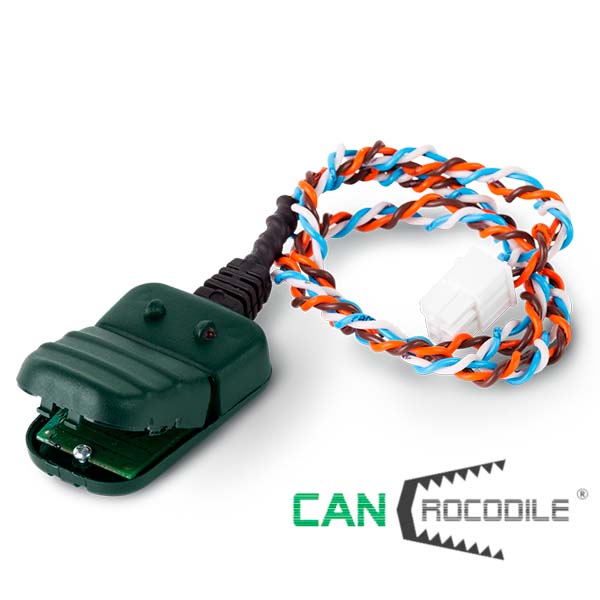
| Accuracy | 1-second resolution |
| Detects | Power-on time · engine-on time · boom/platform activity (CAN) · maintenance hour triggers |
| Install | 1.5 hours per machine |
| Hardware cost | ~€280 per machine |
| Best when | Pure rental fleets · billing accuracy is the primary goal · customer pays for fuel |
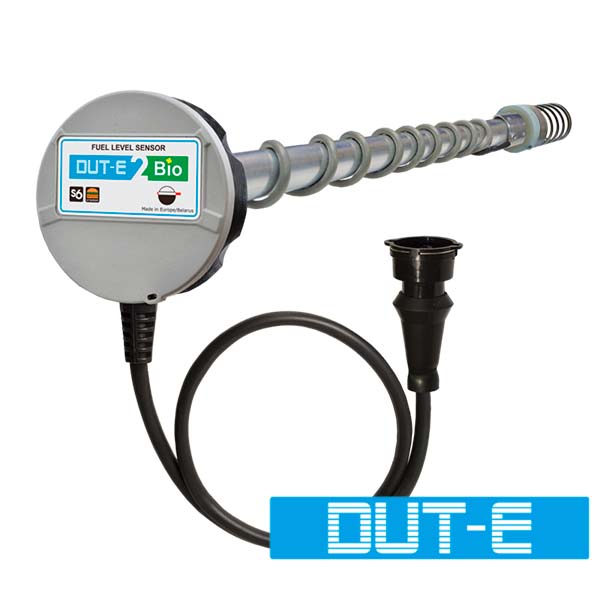
| Accuracy | 1-second hours · ±1% fuel |
| Detects | Everything Way 1 detects · plus fuel level · plus drain/refuel events · plus per-rental fuel use |
| Install | 2.5 hours per machine |
| Hardware cost | ~€420 per machine |
| Best when | Owned fleet · operator pays for fuel · theft on parked machines is a recurring loss |
Per-machine hours tracking with automated billing integration.
Power Timer logs ignition-on time to the second. CAN data from boom lifts provides machine-activity tracking. Battery-backed cellular gateway handles connectivity during parked periods. Data flows into any rental management platform — Point of Rental, Wynne Systems, Texada, or Rental Result.
Fleets running this exact setup.
A regional MEWP rental company with 80+ scissor lifts and boom lifts replaced disputed mechanical hour meters with Power Timer. Within one quarter, monthly billing reconciliation was up 18% — recovered hours that previously went uninvoiced.
A construction contractor with 30 owned MEWPs moved from calendar-based to hours-based maintenance scheduling. Unscheduled maintenance events dropped 24%; maintenance budget rebalanced toward the high-use machines that needed it.
A telecom contractor running boom lifts at remote utility sites enabled SMS theft alerts on parked machines. The first three weeks generated several alerts that triggered onsite security changes; the next six months had zero events.
Describe your fleet. Get a working setup in 30 seconds.
Our advisor knows the entire product line - every variant, every protocol, every tank table from 600+ OEMs. Try the recommendation before you talk to an engineer.